dockerized mpd satellite setup
overview
the “satellite” setup allows for storing the actual music files on a central host exposing the port for the mpd daemon and having client satellites connect to browse the library and play files. the server has to expose a mechanism for transporting the audio files; http can be used for this by setting up a webdav server and pointing clients’ music_directory config value to http://<server>:<port>/.
setup
dockerfile: MPD service
this is a minimal docker image that installs the mpd daemon and ffmpeg to use as an encoding/decoding backend.
FROM debian:trixie
ENV TZ=America/Los_Angeles
RUN ln -snf /usr/share/zoneinfo/$TZ /etc/localtime && echo $TZ > /etc/timezone

ARG USERNAME=mpd
RUN useradd -m -u 1000 mpd

RUN apt-get update && apt-get install -y \
    mpd ffmpeg && \
    apt-get clean && \
    rm -rf /var/lib/apt/lists/*

# note: don't drop to unpriv user here, mpd will drop itself
ENTRYPOINT [ "/usr/bin/mpd", "--no-daemon" ]
docker-compose service
the docker-compose definition below uses the mpd container from the previous section with a second container that provides the webdav service to expose the audio files over http. each container bind-mounts the music library from the host via the ${MUSIC_PATH} env variable.
services:
  # the mpd server exposes the port so that remote clients don't need to construct the database by walking the library files; the "proxy" database plugin is used in the client mpd config to make use of this.
  mpddev:
    build: .
    container_name: mpd-server
    ports:
      - "${MPD_PORT}:6600"
    volumes:
      - ./mpd-satellite-server.conf:/etc/mpd.conf:ro
      - ./data/:/data
      - "${PLAYLIST_PATH}:/playlists"
      - "${MUSIC_PATH}:/music"
    restart: unless-stopped

  ## WebDAV service to serve the music files over HTTP for MPD's curl plugin
  music-webdav:
    image: dgraziotin/nginx-webdav-nononsense:latest
    container_name: mpd-music-webdav
    ports:
      - "${WEB_PORT}:80"
    environment:
      WEBDAV_USERNAME: mpd
      WEBDAV_PASSWORD: changeme
      PUID: "1000"
      PGID: "1000"
      TIMEZONE: America/Los_Angeles
    volumes:
      - "${MUSIC_PATH}:/data:ro"
    restart: unless-stopped
mpd server config
this is the config file that the mpd service in the container uses; the key parts are the use of the simple database plugin and the use of a null audio output (assuming the server is headless and doesn’t need to actually output any audio itself).
restore_paused "yes"

# drop privs to mpd user
user "mpd"

# data locations
pid_file "/data/mpd.pid"
playlist_directory "/playlists"
music_directory "/music"

database {
    plugin "simple"
    path "/data/mpd.db"
    cache_directory "/data/cache"
}

# no real output needed
audio_output {
    type "null"
    name "null-output"
}
mpd client satellite config
finally, this is the config file the mpd client “satellites” use to leverage the remote services for library browsing and on-demand playback. the key bits here are setting the music_directory config value to the remote server’s http url and using the proxy database plugin pointed at the remote mpd service.
pid_file                "/tmp/mpd.pid"
playlist_directory      "/mnt/core/media/audio/mpd-playlists"

# WebDAV server setup for remote library
music_directory         "http://mpd:[email protected]:6680/"

# connect to the remote mpd instance for the DB
database {
    plugin "proxy"
    host "192.168.1.100"
    port "6600"
}

audio_output {
    type "alsa"
    name "ALSA Output"
}
usage
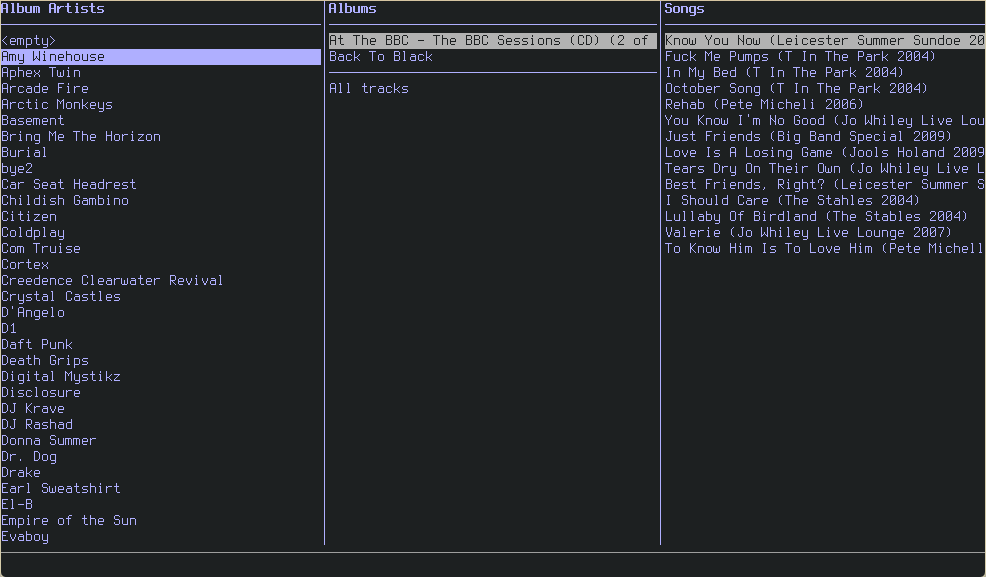
once you’ve got all of this setup you can start streaming music with your preferred mpd client (i use ncmpcpp) from any machine on your lan without having to copy your library around or keep things synced up. do note that the playlists you create from your client satellites will be stored locally there and not on the server so syncing playlists is still necessary if you want to have them available everywhere.